
Fill Out Form 4506-T, Request for Transcript of Tax Return
Need a tax transcript for a mortgage application, loan approval, or financial aid verification? Upload your 4506-T PDF, and Simplicity AI walks you through every field in plain English. Select your transcript type, enter your tax details, and export a completed form ready to submit to the IRS. No more decoding line numbers or wondering which box to check.

AI converts the 4506-T into an interactive form. No manually tapping into tiny PDF fields or guessing which transcript type you need.
Requesting transcripts for multiple tax years? Enter the years once, and Simplicity AI automatically fills in the correct lines.
Save hours of back-and-forth with your lender or financial institution. Get the form right the first time to avoid having your transcript request rejected.
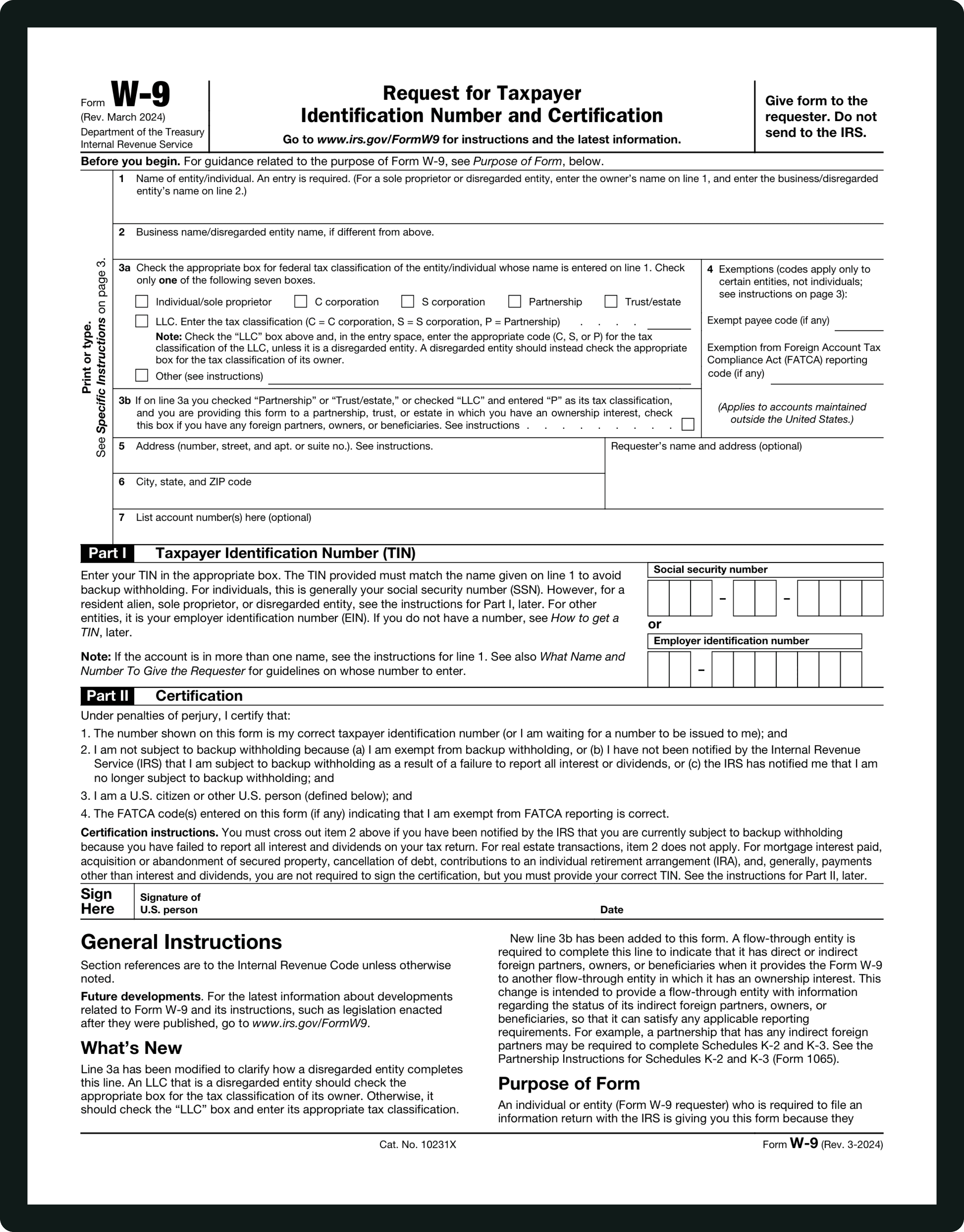
Form INFORMATIONS
Line 1a - Taxpayer Name:
Your full legal name exactly as it appears on the tax return you're requesting the transcript for. If you're requesting a business transcript, enter the entity's legal name. For joint returns, enter the primary taxpayer's name (the name that appears first on the return).
Line 1b - SSN, ITIN, or EIN:
Enter your Social Security Number or Individual Taxpayer Identification Number if this is an individual return. Enter your Employer Identification Number if you're requesting a business return transcript. This must match the name on Line 1a. For example, if you're requesting a Form 1040 that includes a Schedule C, enter your SSN, not your business EIN.
Line 2a - Spouse's Name:
Only fill this in if the transcript request is for a jointly filed return. Enter your spouse's name exactly as it appeared on the joint return.
Line 2b - Spouse's SSN or ITIN:
Enter your spouse's Social Security Number or ITIN as shown on the joint return. Leave blank if Line 2a is blank.
Line 3 - Current Address:
Your current mailing address, including apartment, room, suite number, or inmate number if applicable. Include your P.O. Box if you use one. This is critical because, as of July 2019, the IRS only mails transcripts to your address of record. If this doesn't match what the IRS has on file, your transcript will not be delivered.
Line 4 - Previous Address:
Enter the address shown on the last return you filed, but only if it's different from Line 3. If your address hasn't changed, leave this blank. If you've moved and haven't updated your address with the IRS, you should file Form 8822 (for individuals) or Form 8822-B (for businesses) before submitting your 4506-T.
Line 5 - Customer File Number:
Optional. Enter up to 10 numeric characters that will appear on your transcript as a reference number. This is commonly used by mortgage lenders and financial institutions to match your transcript to their file. Do not enter your SSN or any other tax ID number here.
Line 6 - Tax Form Number:
Enter the form number for the return you want a transcript of: 1040, 1065, 1120, 941, etc. Enter only one form number per request. If you need transcripts for multiple forms, you'll need a separate Form 4506-T for each.
Line 6a - Return Transcript:
Check this box if you want a transcript that shows most line items from your return as originally filed. This is the most commonly requested transcript type, especially for mortgage applications and income verification. Available for the current year and the prior three years for Form 1040 series returns.
Line 6b - Account Transcript:
Check this box for a transcript showing basic data like return type, marital status, AGI, taxable income, and all payment types. This shows changes made after the return was processed, unlike the return transcript.
Line 6c - Record of Account:
Check this box if you want both the return transcript and account transcript combined into one document. Useful when you need the complete picture of what was filed and what happened to the account afterward.
Line 7 - Wage and Income Transcript (Form W-2 and Form 1099 series):
Check this box to get data from information returns the IRS received about you, such as W-2s, 1099s, 1098s, and 5498s. Available for the current year and the prior 10 years. W-2 and 1099 data for the current year may not be available until mid-year of the following year.
Line 8 - Verification of Non-Filing:
Check this box if you need proof that a tax return was not filed for a specific year. Commonly required by financial aid offices, government agencies, and lenders. Available for the current year and prior three years.
Line 9 - Year(s) or Period(s) Requested:
Enter the ending date of each tax year or period you need in mm/dd/yyyy format. For a calendar year 2024 Form 1040, enter 12/31/2024. For quarterly returns like Form 941, enter the quarter-end date. You can request up to four years on a single form. If you need more than four, attach an additional 4506-T.
Signature and Date:
Sign and date the form. The IRS must receive your 4506-T within 120 days of the signature date or it will be rejected. Sign your name exactly as it appeared on the original return. If you changed your name, sign both your current and former names. For joint returns, only one spouse needs to sign. For corporations, an authorized officer must sign.
WHAT IS FORM 4506-T?
What Is Form 4506-T and Who Needs It?
IRS Form 4506-T, officially called "Request for Transcript of Tax Return," is the form you use to request a transcript of your tax return from the IRS. Unlike Form 4506 (which provides an actual copy of your return for a fee), Form 4506-T is free. Most people file it because a mortgage lender, bank, landlord, financial aid office, or accountant asked them to provide proof of income or tax filing history.
You use Form 4506-T to request return transcripts, account transcripts, wage and income transcripts (W-2s, 1099s), or verification of non-filing. The IRS mails transcripts to your address of record (as of July 2019), so your current address must match what the IRS has on file.
If any of the following describe you, you may need Form 4506-T: You're applying for a mortgage or loan and the lender requires income verification. You're applying for financial aid and need to document tax filing status. A landlord, government agency, or third party requires proof of income or non-filing. You need a transcript for your own records or for an accountant. Getting the right transcript type, tax year, and address correct is critical—otherwise the IRS rejects the request. That's where Simplicity AI comes in.
How to Fill Out Your 4506-T Online in 6 Simple Steps
1
Upload your Form 4506-T PDF to Simplicity AI. The AI scans the form layout, detects all lines and transcript options, and converts it into a guided questionnaire.
2
Enter your name, SSN (or ITIN/EIN), and current address exactly as they appear on your tax return. Add spouse information if requesting a joint return transcript.
3
Select the transcript type you need: return transcript, account transcript, record of account, wage and income transcript, or verification of non-filing. AI recommends the right option based on your situation.
4
Enter the tax form number (e.g., 1040) and the year(s) or period(s) requested in the correct format. AI formats dates automatically so the IRS can process your request.
5
Review every line to ensure name, SSN, address, transcript type, and years match what your lender or institution requires. A single error can cause rejection.
6
Sign and date the form. Export a clean PDF and mail or fax to the IRS within 120 days of the signature date. Keep a copy for your records.
Super Fast
Complete your 4506-T in minutes. Requesting multiple years? Enter them once and AI fills the correct lines.
AI-Powered
Simplicity AI understands 4506-T line numbers and transcript types and guides you to the right options for mortgages, loans, or financial aid.
Secure
Your form contains your SSN, address, and tax filing history. Documents are encrypted, private, and never shared.
FAQs
Frequently Asked Questions About Form 4506-T
What is Form 4506-T, and why would I need it?
Form 4506-T is the IRS form you use to request a transcript of your tax return. Unlike Form 4506 (which provides an actual copy of your return for $30), Form 4506-T is free. Most people file it because a mortgage lender, bank, landlord, financial aid office, or accountant asked them to provide proof of income or tax filing history.
How do I fill out a 4506-T online for free?
Upload your 4506-T PDF to Simplicity AI for free. The platform converts it into a guided, interactive form that walks you through each line in plain English. Select your transcript type, enter your tax details, and export a completed PDF ready to mail or fax to the IRS. No more guessing which box to check or which address to send it to.
What's the difference between a return transcript and an account transcript?
A return transcript shows most line items from your tax return as originally filed. This is what mortgage lenders typically request. An account transcript shows basic data such as AGI, taxable income, and payments, along with any changes made after the return was processed. If you need both, check the "Record of Account" box to combine them into a single document.
How long does the IRS take to process a 4506-T?
Most requests are processed within 10 to 30 business days. If you're under a deadline, such as a mortgage closing or a financial aid application, submit the form well in advance. You can also try the IRS's online "Get Transcript" tool at irs.gov for immediate digital access to some transcript types, though not all situations qualify for online retrieval.
Can my lender or third party receive the transcript directly?
Yes. Enter the third party's name and address on Line 5 of the form. The IRS will mail the transcript directly to them. However, make sure Lines 6 through 9 are fully completed before you sign. Once the IRS sends the transcript to a third party, they have no control over how that party uses the information.
What happens if my address has changed since I filed my return?
Enter your current address on Line 3 and your previous address (from the last return you filed) on Line 4. Since July 2019, the IRS only mails transcripts to your address of record. If you haven't updated your address with the IRS, your transcript may not be delivered. File Form 8822 to update your address before submitting the 4506-T.
Does my spouse need to sign the form for a joint return?
No. For jointly filed returns, either spouse can sign. Only one signature is required. However, you must sign your name exactly as it appeared on the original return. If you've changed your name since filing, sign both your current and former names.
Is my data secure when I complete Form 4506-T on Simplicity AI?
Your 4506-T contains your SSN, address, and tax filing history. Simplicity AI encrypts your documents, handles them privately, and never shares your data or uses it to train AI models. The completed form stays yours to download, mail, or fax to the IRS on your own terms.
Common Mistakes When Filing Form 4506-T
(and How AI Prevents Them)
Name Doesn't Match the Original Return
The name on Line 1a must exactly match the name you filed on the original tax return. If you filed as "James R. Smith" but entered "James Smith" or "Jim Smith" on the 4506-T, the IRS can't locate your return and rejects the request. Simplicity AI prompts you to enter your name exactly as it appears on your records and reminds you to include both current and former names, if applicable.
Mismatched SSN or EIN
Line 1b must correspond to the name on Line 1a. A common error is entering a business EIN when the return was filed under a personal SSN (or vice versa). For example, if you're requesting a Form 1040 that includes Schedule C, enter your SSN, not your business EIN. Simplicity AI asks which return type you're requesting and guides you to the correct ID number.
Current Address Doesn't Match IRS Records
Since July 2019, the IRS only mails transcripts to your address of record. If you've moved and haven't updated your address with the IRS, your transcript may be sent to your old address or not delivered at all. Simplicity AI flags that your current address (Line 3) and previous address (Line 4) must both be filled in if they differ, and reminds you to file Form 8822 to update your records if needed.
Selecting the Wrong Transcript Type
The form offers five transcript types, each serving a different purpose. Mortgage lenders typically need a return transcript (Line 6a), but some applicants instead check the account transcript (Line 6b), which doesn't include the line-item detail lenders require. Simplicity AI asks what you need the transcript for and recommends the correct box based on your situation.
Entering the Wrong Tax Year Format
Line 9 requires dates in mm/dd/yyyy format. For a calendar year 2024 return, the correct entry is 12/31/2024. Many filers enter just "2024" or "2024-2025," which the IRS can't process. For quarterly returns like Form 941, you need the quarter-end date. Simplicity AI formats your year entries automatically, so there's no guessing.
Submitting the Form After the 120-Day Window
The IRS must receive your 4506-T within 120 days of the date you signed it. If you sign the form in January but don't mail it until June, it gets rejected automatically. Simplicity AI displays the 120-day deadline from your signature date, so you know exactly when the clock runs out.
Forgetting to Complete Lines 6-9 Before Signing
The IRS specifically warns: do not sign the form unless all applicable lines are completed. This is especially important when the transcript is being mailed to a third party (Line 5). Simplicity AI enforces completion of all required fields before presenting the signature step.
Requesting Multiple Form Types on One 4506-T
Line 6 accepts only one tax form number per request. If you need transcripts for both your Form 1040 and your Form 1120, you need two separate Form 4506-Ts. Filers who enter multiple form numbers on Line 6 have the entire request rejected. Simplicity AI limits you to one form type per request and prompts you to create a second form if you need transcripts for additional return types.
POPULAR FORMS
Popular forms ready for you to fill Instantly
Find commonly used government, legal, and official documents, already optimized for fast, stress-free filling with Simplicity AI. We’ve made them easier, smarter, and faster so you can move on with your day.
Tax Forms
Immigration Forms
Healthcare Forms
Employment Forms
Legal Forms
Motor Vehicle Forms
Experience instant PDF form filling with AI
