
Fill Out Your DS-11, U.S. Passport Application in Minutes with AI
Stop retyping your personal information, address, and ID details every time you apply for a passport. Upload the DS-11 PDF, answer a few plain-English questions, and Simplicity AI fills every field accurately. Review, sign, and export a clean application ready for submission.

AI converts your DS-11 into a smart, interactive form. No manual tapping, zooming, or aligning fields on the PDF.
Upload a previous passport application, and AI auto-fills the new one instantly.
Enter your details once. Reuse them for renewals or multiple family applications.
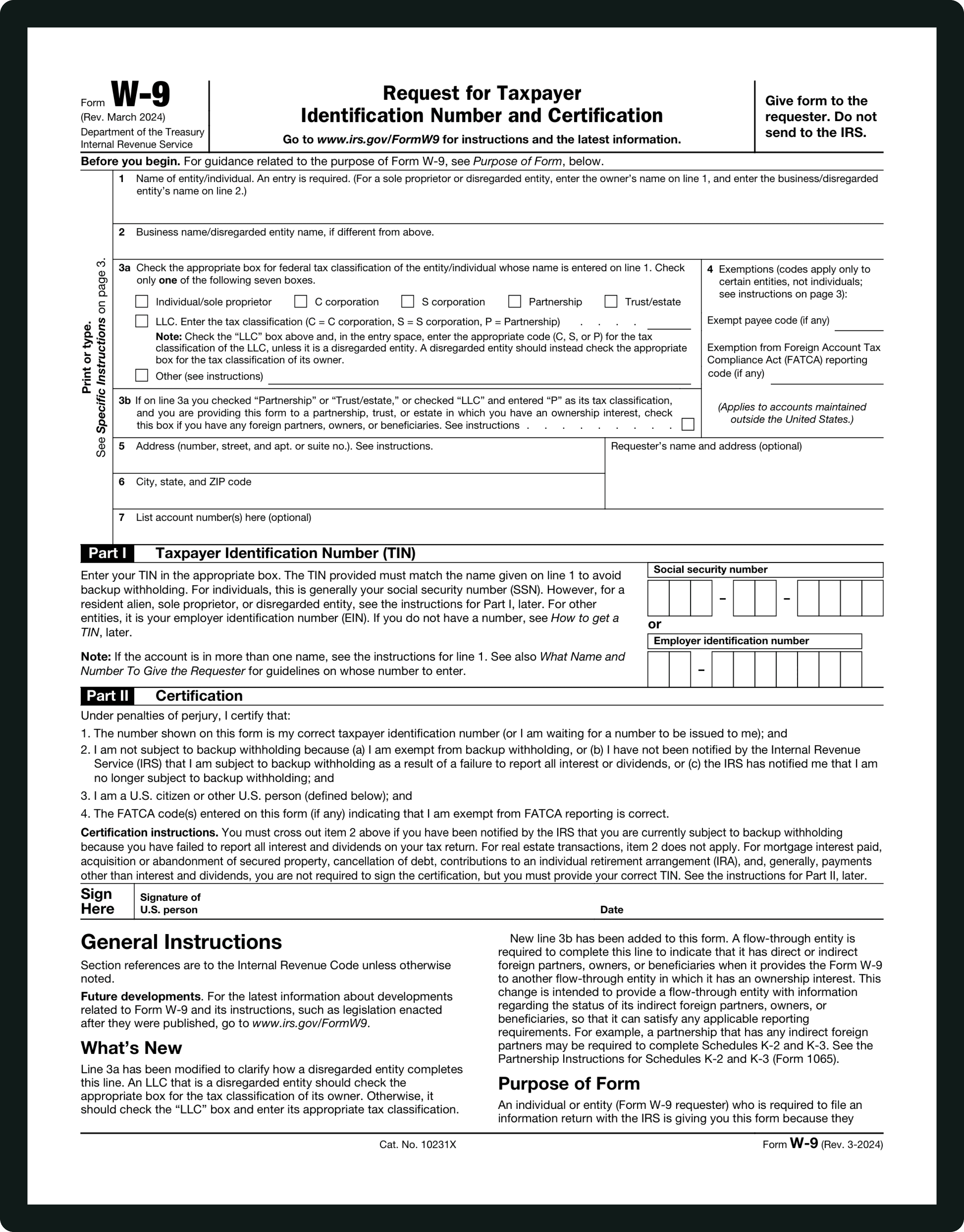
Form INFORMATIONS
Full Name (Last, First, Middle):
Enter your full legal name exactly as it appears on your proof of U.S. citizenship (birth certificate, naturalization certificate, or previous passport). Include middle names if applicable. Nicknames or initials can delay or reject your application. Simplicity AI separates legal names from other names used and automatically places them in the correct fields.
Other Names Used:
If you've ever changed your name, such as a maiden name, former legal name, or alias, list it here. Missing or inconsistent entries may trigger additional verification. Simplicity AI prompts for all alternate names and ensures they align with your primary name.
Date of Birth:
Provide your exact birth date in MM/DD/YYYY format. Even minor typos can lead to processing delays. Simplicity AI validates the date against your proof of citizenship.
Place of Birth:
Enter the city, state (or country if born abroad) where you were born. This must match the information on your citizenship evidence. Simplicity AI standardizes city and state names to avoid mismatches.
Sex:
Select your gender as it appears on your ID or citizenship documents. AI ensures that the option aligns with other ID fields to prevent processing errors.
Social Security Number (SSN):
Enter your SSN exactly as issued by the Social Security Administration. If you don't have an SSN, AI provides guidance for the correct temporary designation or declaration required by the State Department.
Mailing Address:
Provide the address where your passport should be delivered. Include apartment/unit numbers, ZIP codes, and country (if outside the U.S.). Errors here can delay delivery. Simplicity AI auto-formats addresses and checks for completeness.
Contact Phone Number & Email:
Enter your preferred contact number and email. The passport agency may use this to contact you about application issues. AI flags missing or invalid entries.
Parent/Guardian Information:
Minors under 16 require parental consent. Provide both parents' full names, dates of birth, and places of birth. If parents are deceased, indicate this. Simplicity AI guides you step by step for minors or special cases.
Previous Passport (if applicable):
Indicate whether you have held a passport before and provide relevant details. Incorrect entries can affect eligibility or renewal. AI cross-checks for consistency with prior records.
Passport Type Requested (Book, Card, or Both):
Select the passport book, passport card, or both. Simplicity AI ensures you understand the differences and helps you choose based on your travel needs.
Travel Plans (Optional) / Emergency Contact (Optional):
Provide your itinerary or intended travel dates if requested. Enter the name of someone the U.S. State Department can contact in an emergency. AI clearly labels optional vs. required fields.
Identification Documents & Proof of Citizenship:
Upload required documents such as a birth certificate, naturalization certificate, and valid photo ID. Simplicity AI confirms document types and alerts you if anything is missing.
Passport Photo:
Provide a compliant passport photo. AI checks for the correct size, background, and clarity to prevent rejection.
Signature and Date:
Do not sign until instructed by the passport acceptance agent. Simplicity AI reminds you to sign in the correct location and format, ensuring your application is valid for submission.
Attachments:
Include photocopies of your ID, proof of citizenship, and passport photo. AI tracks required attachments to ensure nothing is forgotten during submission.
WHAT IS FORM DS-11?
What Is Form DS-11 and Who Needs to Fill It Out?
Form DS-11, officially called the "Application for a U.S. Passport," is the form you complete when applying for a U.S. passport for the first time, replacing a lost, stolen, or damaged passport, or for minors under 16. Unlike tax forms, DS-11 is submitted in person at a passport acceptance facility and is not filed online.
You need to fill out Form DS-11 if you are applying for your first passport as an adult, applying for a minor under 16, replacing a lost, stolen, or damaged passport, renewing a passport that was issued to you before you turned 16, or updating your passport after a legal name change due to marriage, divorce, or other circumstances.
While the form itself is only a few pages, the sections on personal information, parent or guardian details, proof of citizenship, passport photos, and signatures can be confusing for many applicants. That's where Simplicity AI comes in, guiding you through each step, ensuring every field is completed accurately, and helping you avoid mistakes that could delay processing or cause your application to be rejected.
How to Fill Out Your DS-11 Online in 6 Simple Steps
1
Upload your DS-11 PDF to Simplicity AI. The AI scans the form and converts it into a guided, interactive questionnaire.
2
Enter your personal information, including full legal name, date of birth, and Social Security Number.
3
Provide parent or guardian details if required. AI prompts for minors and legal guardianship.
4
Enter your mailing address and any optional travel information.
5
Upload or verify identification documents, including proof of citizenship and photo ID.
6
Sign and date the form electronically. Review each field for accuracy, then download your completed DS-11 for in-person submission.
Super Fast
Complete your passport application in minutes. No copy-pasting between tabs or aligning text boxes on a PDF.
AI-Powered
Simplicity AI understands the DS-11's structure, from personal information to parent details to the signature. Your answers map to the correct fields automatically.
Secure
Your DS-11 contains sensitive data, including SSN and personal identification. Documents are encrypted, handled privately, and never shared.
FAQs
DS-11 Form: Frequently Asked Questions
Can I submit DS-11 online?
No. DS-11 must be submitted in person at a passport acceptance facility. Simplicity AI lets you complete the form digitally, review it, and print/export it for submission.
Can I sign DS-11 electronically?
Partially. You can prepare the form digitally and sign in the browser, but the final signature must be executed in person for first-time applicants or minors.
What documents are required with DS-11?
Proof of U.S. citizenship (birth certificate or naturalization certificate), valid photo ID, photocopies of those documents, and a compliant passport photo. AI confirms you've included all required documents before export.
How long does processing take?
Standard processing is typically 8–11 weeks. Expedited service is available for an additional fee. AI can help you track timelines and ensure all fields are accurate to prevent delays.
Can AI help fill out DS-11 for minors?
Yes. AI guides you through parental consent, guardian signatures, and minor-specific fields to make sure the application is fully compliant.
What happens if I make a mistake on DS-11?
Errors can delay passport issuance or cause rejection. Simplicity AI checks for inconsistencies, validates entries, and flags missing or incorrect information before you submit.
Do I need a new DS-11 if my personal information changes?
Yes. If your name, date of birth, or citizenship documentation changes, a new DS-11 must be completed. AI stores your details for easy updates and generates a corrected form in seconds.
Is my data safe when using Simplicity AI?
Yes. DS-11 contains sensitive information like SSN and personal ID details. Simplicity AI encrypts your data, handles it privately, and does not share it or use it to train AI models. You remain in full control.
Can Simplicity AI fill out other government forms too?
Absolutely. Simplicity AI works with passport renewal forms, immigration forms, IRS forms, employment forms, and many other legal, healthcare, and government documents.
Common DS-11 Mistakes That Cause Delays
(and How AI Prevents Them)
Incorrect Name Entry
One of the most frequent errors. Applicants sometimes use nicknames, omit middle names, or enter a name that doesn't match their proof of citizenship. Simplicity AI asks for your exact legal name, separates any other names used, and fills the correct fields to avoid processing delays.
Wrong Date or Place of Birth
Typos in your birth date or birthplace can trigger rejections. AI cross-checks these fields against your uploaded proof of citizenship and flags any inconsistencies before you submit.
Missing Parent/Guardian Information for Minors
Minors under 16 must provide details for both parents. Omitting this information or providing incomplete data renders the application invalid. Simplicity AI prompts for every required field for minors, including special cases such as deceased parents or single guardians.
Incorrect Mailing Address
An incomplete or incorrect address delays passport delivery. AI verifies addresses, auto-formats ZIP codes, and checks for missing apartment/unit numbers to ensure your passport arrives safely.
Improper ID or Citizenship Documents
Submitting the wrong type of ID, an expired ID, or a document that doesn't match your application information causes delays. Simplicity AI confirms which documents are required and ensures they align with the form fields.
Passport Photo Errors
Non-compliant photos are a common reason for rejection. AI checks for size, background, head positioning, and image quality, helping you submit a photo the State Department will accept.
Omission of Signature or Incorrect Signing
DS-11 must be signed in person at the passport acceptance facility. Missing or misplaced signatures invalidate your application. AI reminds you when and where to sign and will not allow export until all signature requirements are met.
Incorrect Selection of Passport Type
Selecting the wrong document type, such as the passport book instead of the card or vice versa, can cause confusion or require resubmission. AI explains the differences and ensures the correct option is chosen based on your travel needs.
Incomplete or Missing Optional Fields
Fields such as emergency contacts and travel plans are optional but recommended. Omitting them may create delays or require follow-up. AI prompts for optional information when relevant, reducing back-and-forth with the passport agency.
POPULAR FORMS
Popular forms ready for you to fill Instantly
Find commonly used government, legal, and official documents, already optimized for fast, stress-free filling with Simplicity AI. We’ve made them easier, smarter, and faster so you can move on with your day.
Tax Forms
Immigration Forms
Healthcare Forms
Employment Forms
Legal Forms
Motor Vehicle Forms
Experience instant PDF form filling with AI
